SolidWorks Course in Nagercoil
Design real mechanical products in SolidWorks, from single parts to complete assemblies, sheet metal components and production drawings, guided by trainers who work on live product design projects.
TAKE YOUR MECHANICAL CAREER INTO 3D DESIGN WITH HANDS-ON SOLIDWORKS TRAINING IN NAGERCOIL
Industry-Focused 3D Product Design Training in Kanyakumari District
At The End Of This Program
You will model parts, build working assemblies and produce manufacturing drawings in SolidWorks on your own. Every session follows the product development process used in design departments, so you learn to think like a designer who plans for manufacturing, cost and assembly, not just someone who operates software.
Reasons To Take This Program
SolidWorks is one of the most widely used 3D design tools in manufacturing, automotive and machine building industries. Engineers who can turn an idea into a manufacturable 3D model are shortlisted faster for design roles and grow into senior positions with far better prospects than those without CAD skills.
Job Opportunities
Manufacturing companies, automotive suppliers, special purpose machine builders, product design firms and sheet metal fabricators hire SolidWorks-trained candidates as Design Engineer, CAD Engineer, Product Designer, Mechanical Design Trainee and 3D Modeller, across Tamil Nadu, major Indian cities and Gulf countries.
Ready to become the design engineer product companies want on their team?
At JClick Solutions, you design real products from your first week instead of copying tutorial shapes. Every module builds on practical components such as brackets, gearboxes, enclosures and machine frames, so you understand how parts fit, move and get manufactured. You finish with a strong design portfolio for interviews, and our placement team helps you prepare for technical rounds and find the right opening.
This SolidWorks course in Nagercoil is ideal for B.E. and B.Tech mechanical, automobile and mechatronics students, diploma holders and working engineers across Kanyakumari district who want to move into product design, whether they are freshers or already on the shop floor.
WHAT YOU'LL LEARN

Sketching & Part Modelling Fundamentals
Build clean, fully defined models that are easy to edit later
LEARNING OUTCOMES
- Navigate the SolidWorks interface, feature tree and view controls confidently.
- Create fully defined sketches using geometric relations and smart dimensions.
- Model parts with extrude, revolve, sweep and loft features.
- Apply materials and check mass properties of every component.
Advanced Part Design
Model complex components with smart, reusable design intent
LEARNING OUTCOMES
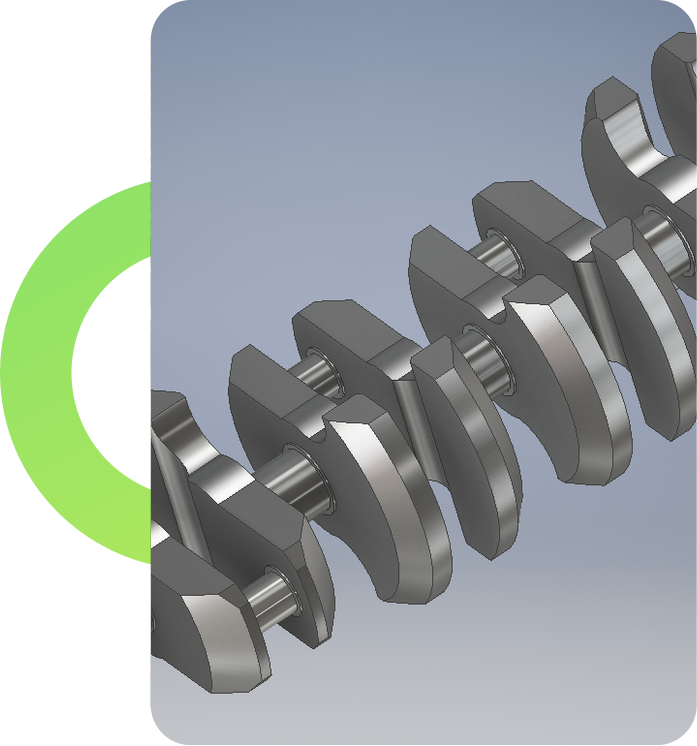
- Use patterns, mirrors, ribs, shells and draft features for detailed parts.
- Create multiple part variations using configurations and design tables.
- Control dimensions with equations and global variables.
- Use the Toolbox library for standard bolts, nuts, bearings and pins.
Assembly Design & Motion
Bring parts together and test how the product works
LEARNING OUTCOMES
- Assemble components using standard, advanced and mechanical mates.
- Detect interference and check clearances before manufacturing.
- Create exploded views and assembly animations for presentations.
- Run basic motion studies for gears, cams, linkages and mechanisms.
Sheet Metal & Weldments
Design fabricated components ready for cutting, bending and welding
LEARNING OUTCOMES
- Create sheet metal parts with base flanges, edge flanges, hems and bends.
- Generate accurate flat patterns for laser cutting and press brake work.
- Build machine frames and structures using weldment profiles.
- Produce cut lists and weld details for fabrication teams.


Surface Modelling & Product Styling
Shape smooth, ergonomic products that look as good as they work
LEARNING OUTCOMES
- Model curved product shapes using surface tools such as boundary and fill.
- Design plastic enclosures with draft, shell and mounting features.
- Check surface quality and draft angles for moulding readiness.
- Render realistic product images for reviews and client presentations.
Manufacturing Drawings & Design Validation
Deliver drawings and checks that production teams can trust
LEARNING OUTCOMES
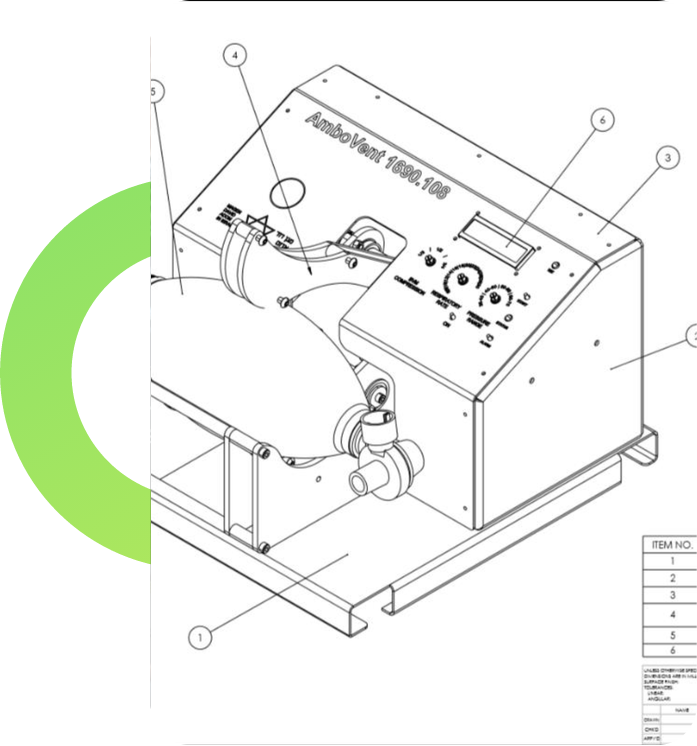
- Create part and assembly drawings with section, detail and auxiliary views.
- Add dimensions, tolerances, surface finish and welding symbols.
- Generate bills of materials and balloons linked to the assembly.
- Run basic stress analysis on parts to validate strength before production.