CREO Course in Nagercoil
Master parametric 3D design in CREO, formerly Pro/ENGINEER, from precise parts and assemblies to sheet metal, surfaces and production drawings, with trainers who work on real engineering design projects.
BUILD A CAREER IN AUTOMOTIVE AND PRODUCT DESIGN WITH HANDS-ON CREO TRAINING IN NAGERCOIL
Parametric Product Design Training in Kanyakumari District
At The End Of This Program
You will design parts, assemblies and complete products in CREO Parametric on your own, and prepare drawings that manufacturing teams can use directly. Every session follows the structured design approach used in engineering service companies, so you build models that stay stable and easy to modify as designs change.
Reasons To Take This Program
CREO is a preferred design tool in automotive, heavy engineering, aerospace and tooling companies, where products are complex and accuracy is critical. Engineers with strong CREO skills are in steady demand at design centers and component suppliers, and the skill carries directly into long-term design careers.
Job Opportunities
Automotive component suppliers, engineering service companies, heavy machinery manufacturers, tool and die makers and product development firms hire CREO-trained candidates as Design Engineer, CAD Engineer, Product Development Engineer, Mechanical Design Trainee and Tooling Designer, across Tamil Nadu, major Indian cities and Gulf countries.
Ready to become the CREO design engineer automotive and product companies are hiring?
At JClick Solutions, you work on real engineering components from your first week rather than simple textbook exercises. Every module adds new techniques to practical products such as engine parts, brackets, housings and machine assemblies, so you learn how design decisions affect manufacturing. You finish with a strong design portfolio for interviews, and our placement team helps you prepare for technical rounds and find the right opening.
This CREO course in Nagercoil is ideal for B.E. and B.Tech mechanical, automobile and aeronautical students, diploma holders and working engineers across Kanyakumari district who want to move into design roles with product and automotive companies.
WHAT YOU'LL LEARN

CREO Interface & Sketcher Essentials
Start every model on a strong, well-planned foundation
LEARNING OUTCOMES
- Navigate the CREO Parametric interface, model tree and ribbon tools confidently.
- Create datum planes, axes and coordinate systems for accurate references.
- Draw fully constrained sketches with dimensions and geometric constraints.
- Plan design intent so models update correctly when dimensions change.
Part Modelling & Feature Design
Create precise components using CREO’s powerful feature tools
LEARNING OUTCOMES
- Model parts with extrude, revolve, sweep, blend and swept blend features.
- Add holes, rounds, chamfers, ribs and drafts for manufacturing-ready parts.
- Use patterns, copies and mirrors to model repeated features quickly.
- Build part families with family tables and relations for design variants.

Assembly Design & Mechanisms
Put components together and check how the product performs
LEARNING OUTCOMES
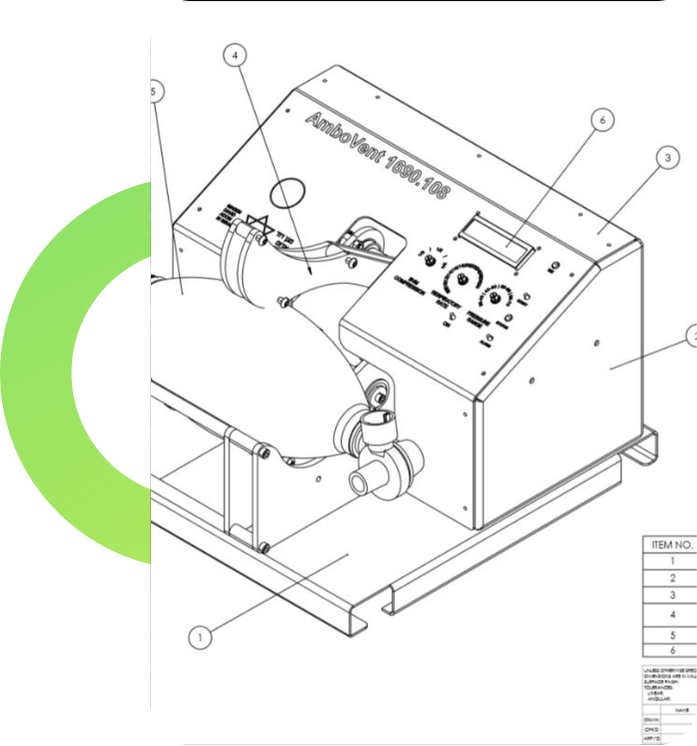
- Assemble parts using placement constraints and mechanism connections.
- Run global interference and clearance checks across the full assembly.
- Create exploded views and simplified representations of large assemblies.
- Simulate moving mechanisms such as linkages, gears and slider systems.
Sheet Metal Design
Design bent and formed components ready for fabrication
LEARNING OUTCOMES
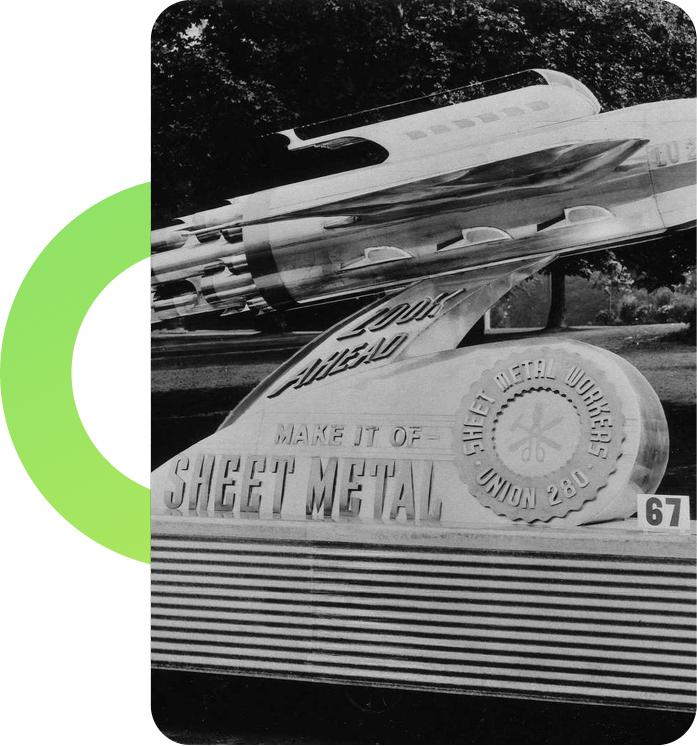
- Create primary, flat and flange walls with correct bend allowances.
- Add forms, punches, cuts and reliefs to sheet metal parts.
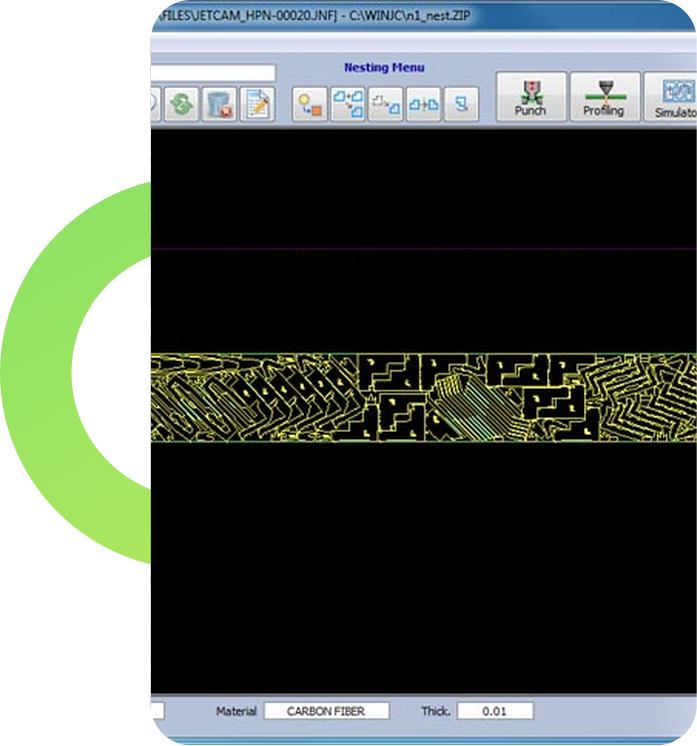
- Generate flat patterns for laser cutting and bending operations.
- Convert solid parts into sheet metal designs when required.
Surface Modelling & Styling
Shape complex, free-form products with smooth, high-quality surfaces
LEARNING OUTCOMES
- Create surfaces using boundary blends, fills and sweeps.
- Merge, trim and extend surfaces to build complex product shapes.
- Convert surface models into solids for manufacturing.
- Design plastic parts and automotive components with styled surfaces.
Production Drawings & Data Exchange
Turn 3D designs into documents and files manufacturers can use
LEARNING OUTCOMES
- Create detailed drawings with sectional, detailed and auxiliary views.
- Add dimensions, tolerances, datum symbols and manufacturing notes.
- Generate bills of materials and balloons from assemblies automatically.
- Export models in STEP, IGES and DXF formats for suppliers and vendors.