Lumion Course in Nagercoil
Learn to turn 3D building models into lifelike renders, walkthrough videos and 360 panoramas in Lumion, guided by trainers who create visuals for real builders and architects.
MAKE YOUR DESIGNS SELL THEMSELVES WITH HANDS-ON LUMION TRAINING IN NAGERCOIL
Fast Architectural Rendering Training for Designers and Builders
At The End Of This Program
You will take models from SketchUp, Revit or AutoCAD and turn them into realistic images and walkthrough videos in Lumion on your own. Each session follows the workflow used by visualization teams, so you learn to produce polished results quickly, even on tight project deadlines.
Reasons To Take This Program
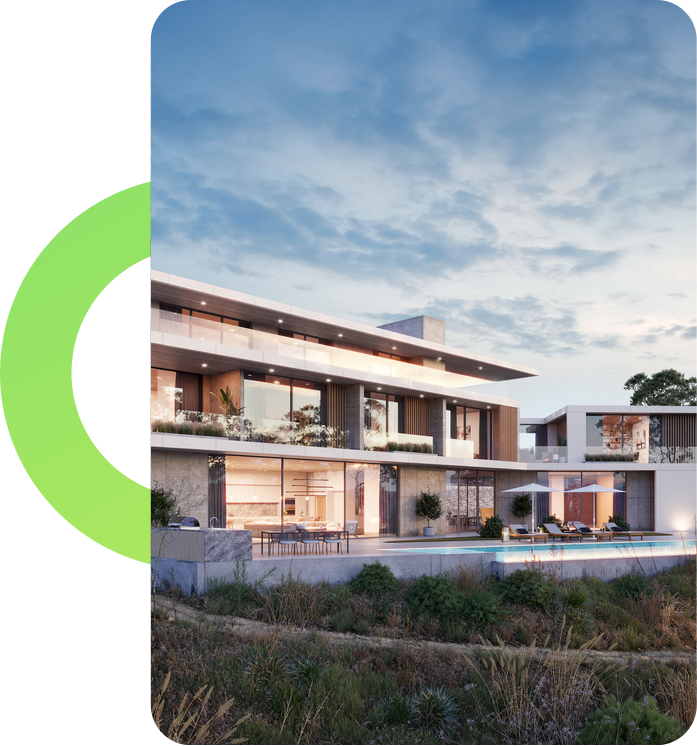
Builders and architects use rendered images and walkthrough videos to win clients, secure approvals and sell homes before construction starts. Lumion produces these visuals far faster than traditional render tools, making it one of the most practical skills a designer can add today.
Job Opportunities
Architecture studios, builders, real estate developers, interior design firms and visualization studios hire Lumion-trained candidates as Architectural Visualiser, 3D Render Artist, Walkthrough Video Creator and Real Estate Marketing Designer, across Tamil Nadu, major Indian cities and Gulf countries.
Ready to create the visuals that help builders and architects win clients?
At JClick Solutions, you render real building projects from your first week instead of working on sample scenes. Every module takes the same project further, from importing the model to adding landscape, lighting and effects, until it becomes a finished image and video. You finish with a strong portfolio of renders and walkthroughs, and our placement team helps you prepare for interviews and find the right opening.
This Lumion course in Nagercoil is ideal for architecture, civil and interior design students, SketchUp and Revit users, and builders across Kanyakumari district who want to present projects like professionals.
WHAT YOU'LL LEARN
Lumion Interface & Project Setup
Set up every project correctly for smooth, fast rendering
LEARNING OUTCOMES
- Navigate the Lumion interface, build mode, camera controls and project settings.
- Import models from SketchUp, Revit, AutoCAD and 3D Max without errors.
- Use LiveSync to update models in real time as the design changes.
- Organize layers and imported objects for easy editing and control.
Environment, Landscape & Site Context
Place your building in a realistic, natural setting
LEARNING OUTCOMES
- Shape terrain and add roads, water bodies, grass and ground cover.
- Add trees, plants, people and vehicles from the Lumion library.
- Set sky, weather, clouds and sun position to match the location.
- Build complete site settings for villas, apartments and commercial projects.
Materials & Object Detailing
Give every surface and space a finished, realistic look
LEARNING OUTCOMES
- Replace imported materials with realistic Lumion materials for every surface.
- Adjust reflections, textures and weathering for glass, stone, wood and metal.
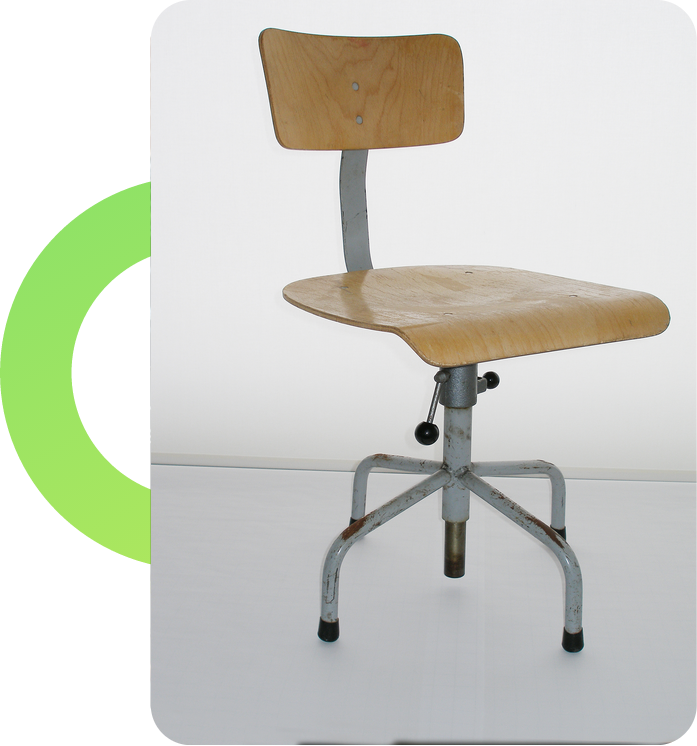
- Furnish interiors with furniture, decor and accessories from the library.
- Add fine details that make both interior and exterior scenes feel lived in.
Lighting, Effects & Atmosphere
Create the right mood for any time of day
LEARNING OUTCOMES
- Set up daylight, evening and night scenes with accurate sun settings.
- Place spotlights, area lights and interior lighting for warm, natural interiors.
- Apply effects such as shadows, reflections, fog and depth of field.
- Use styles and colour correction to create a consistent, professional finish.
Photo Rendering & Presentation Images
Produce high-quality still images for clients and marketing
LEARNING OUTCOMES
- Frame strong camera angles for exterior views, interiors and aerial shots.
- Render high-resolution images suitable for brochures, hoardings and websites.
- Create before-and-after and day-and-night image sets for presentations.
- Batch-render multiple camera views at once to save time on large projects.
Walkthrough Videos & 360 Panoramas
Let clients experience the project before it is built
LEARNING OUTCOMES
- Create smooth walkthrough and flythrough videos with camera paths.
- Animate people, vehicles and objects to bring scenes to life.
- Render 360 panoramas for virtual tours and VR viewing.
- Export videos in formats ready for social media, websites and client meetings.

