Computer Course for School Students in Nagercoil
Give your child a confident start in technology, from computer basics and MS Office to coding, web design and creative digital skills, taught by patient trainers who make learning fun, safe and practical.
BUILD YOUR CHILD'S DIGITAL SKILLS EARLY WITH HANDS-ON COMPUTER CLASSES IN NAGERCOIL
Fun and Practical Computer Training for School Students in Kanyakumari District
At The End Of This Program
Your child will use computers confidently for school work, create presentations and documents, and write their own simple programs and web pages. Each class mixes short lessons with hands-on activities, so students learn by building things they are proud to show at home, in class and at school exhibitions.
Reasons To Take This Program
Computer and coding skills are now part of school syllabuses, competitive exams and almost every future career. Children who learn these skills early think more logically, complete school projects more easily and approach higher studies in science, engineering and commerce with far greater confidence.
Future Opportunities
Early computer skills prepare students for school computer science subjects, coding competitions, science fairs and Olympiads, and later for courses and careers in software development, data science, artificial intelligence, design, engineering and digital business, giving them a clear advantage in higher studies.
Ready to give your child a head start in the digital world?
At JClick Solutions, students learn through fun activities and small projects from the very first class instead of copying notes. Every module is planned for their age and pace, with small batches, step-by-step guidance and regular practice so no child is left behind or bored. Parents receive progress updates, and every student completes a final project and receives a course completion certificate.
This computer course in Nagercoil is ideal for school students across Kanyakumari district, with after-school, weekend and holiday batches that fit easily around school hours, tuition and exams.
WHAT YOU'LL LEARN
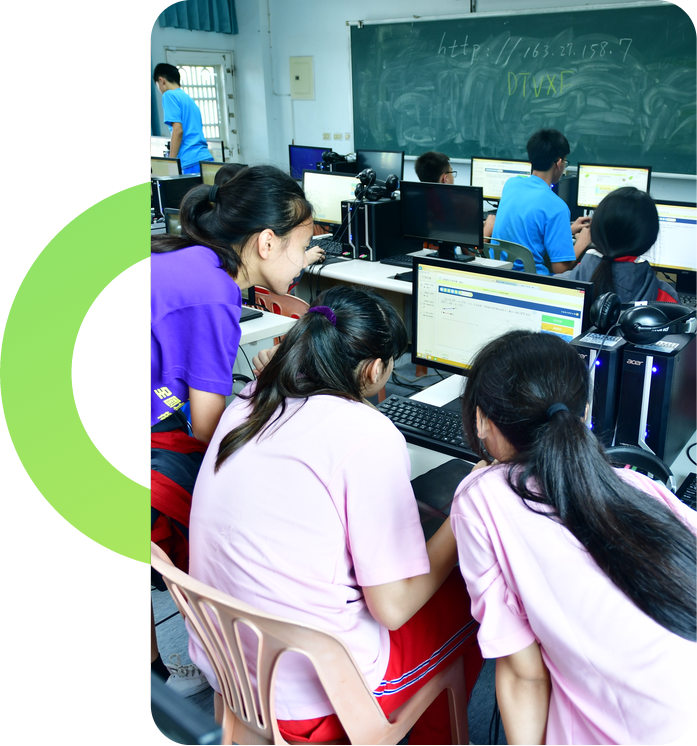
Computer Basics & Safe Internet Use
Build a strong foundation and safe, healthy digital habits
LEARNING OUTCOMES
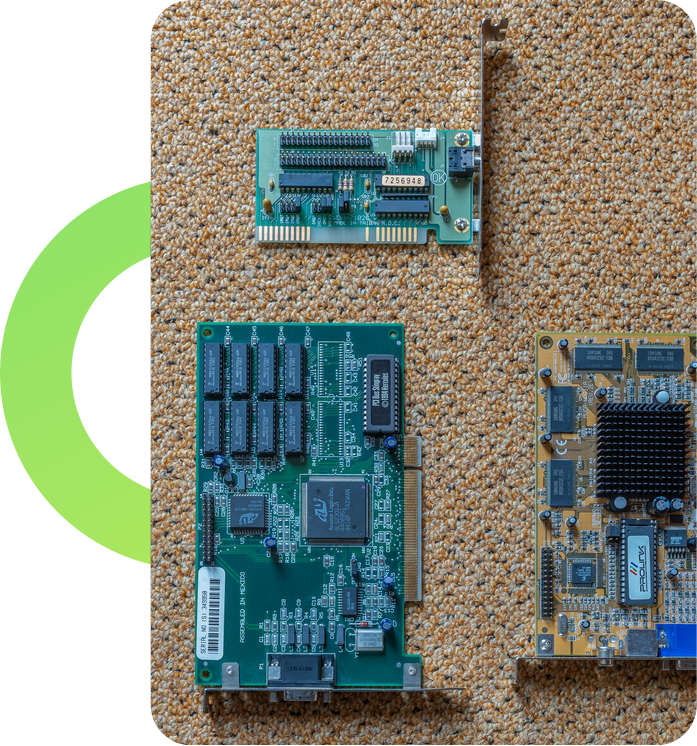
- Understand computer parts, operating systems and how computers work.
- Improve typing speed and manage files and folders properly.
- Use the internet and email safely for learning and research.
- Recognize online risks and follow good cyber safety habits.
MS Office for School Projects
Create neat assignments, presentations and simple calculations
LEARNING OUTCOMES
- Write and format documents, letters and project reports in MS Word.
- Design attractive slide presentations with images and transitions in PowerPoint.
- Organize marks, lists and simple calculations in MS Excel.
- Use charts and tables to present school project data clearly.
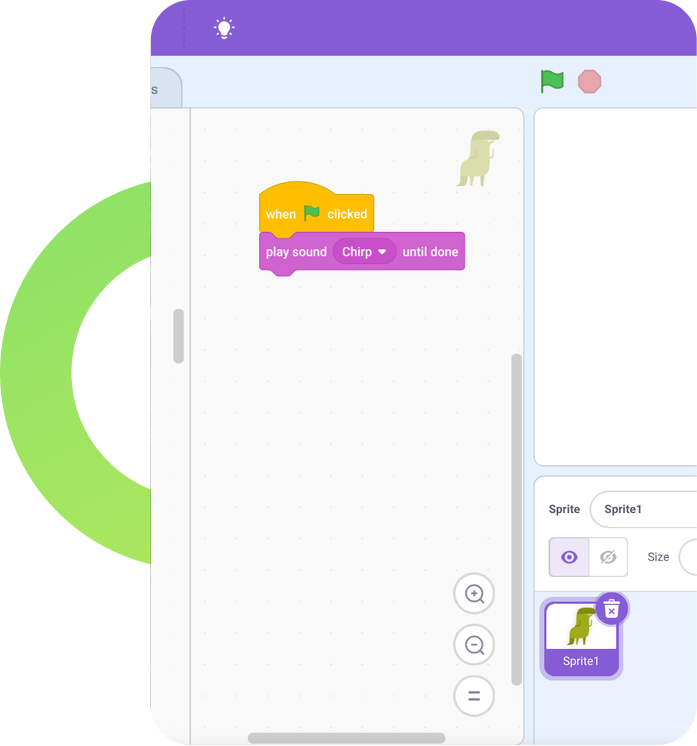
Block Coding with Scratch
Discover coding through games, stories and animations
LEARNING OUTCOMES
- Understand sequences, loops and conditions using drag-and-drop blocks.
- Create animated stories, quizzes and interactive cards.
- Build simple games with scores, levels and characters.
- Develop logical thinking and creative problem-solving step by step.
Python Programming for Beginners
Move from blocks to real coding with an easy, popular language
LEARNING OUTCOMES
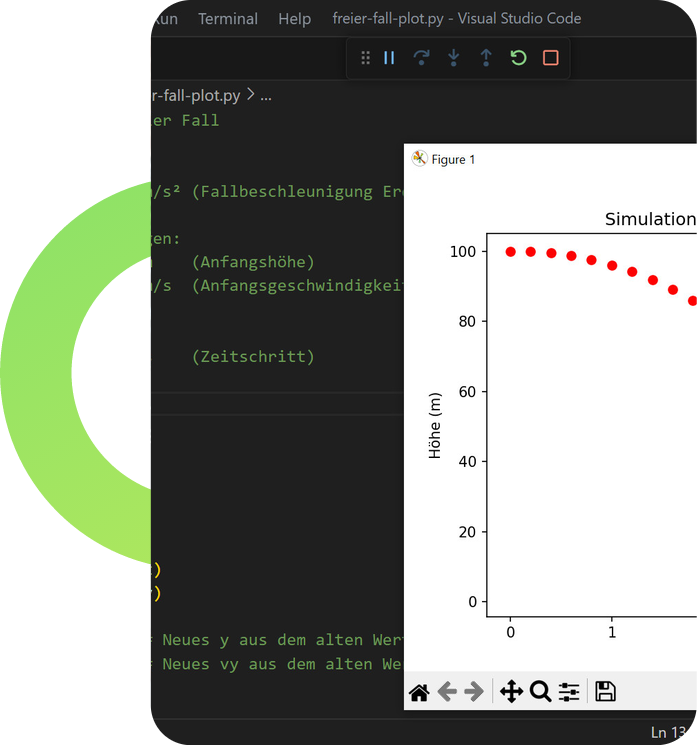
- Write programs using variables, input, output and calculations.
- Use conditions and loops to make programs smart and interactive.
- Create fun projects like calculators, number games and quizzes.
- Build a strong base for school computer science subjects.
Web Design with HTML & CSS
Create personal web pages that look great on any screen
LEARNING OUTCOMES
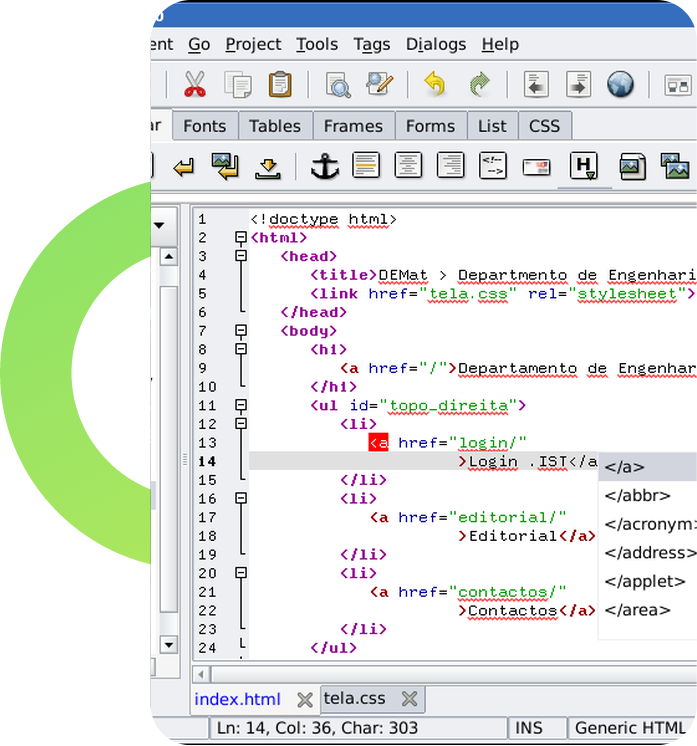
- Structure web pages with headings, paragraphs, images and links.
- Style pages with colours, fonts and layouts using CSS.
- Build a personal portfolio or school project website.
- Understand how websites work and how they reach the internet.
Creative Digital Skills & AI Awareness
Explore design, video and the technology shaping the future
LEARNING OUTCOMES
- Design posters, greeting cards and social posts using simple design tools.
- Edit short videos with titles, music and effects.
- Understand what artificial intelligence is and use AI tools responsibly.
- Present a final project that showcases everything learned in the course.