
Software Testing Course in Nagercoil
Start your career in quality assurance with JClick Solutions’ complete software testing course in Nagercoil, covering manual testing, Selenium WebDriver, Playwright, Cucumber, API testing, Apache JMeter, SQL, AI-based testing and AI Meter monitoring through practical, project-based training.
What Makes Our Software Testing Training Unique?
FROM MANUAL TESTING TO AI-ASSISTED AUTOMATION, ALL IN ONE COURSE
At The End Of This Program
You will progress from testing fundamentals to advanced automation concepts, understanding how software is tested from start to finish, from reading requirements and writing test cases to automating browser tests, validating APIs and databases, checking performance and using AI tools responsibly. Every module follows the way real testing teams work, so you learn the process, the tools and the documentation that employers expect.
Reasons To Take This Program
No software is released without testing, and companies need people who can find defects before customers do. As applications grow more complex, the demand for testers who can combine manual testing, automation, API and performance testing, and now AI-assisted testing keeps growing. Software testing is also a good entry point into the IT industry for freshers, as it begins with fundamentals rather than heavy programming.
Job Opportunities
Software companies, IT services firms, product companies and startups hire trained candidates as Software Tester, Manual Tester, QA Tester, Automation Testing Engineer, Selenium Tester, Playwright Automation Tester, API Tester and Performance Testing Trainee. The roles available to you will depend on your skills, practical experience and the requirements of individual employers.
Ready to become the tester teams trust to deliver quality software?
At JClick Solutions, you learn by doing. You write test cases, report defects, automate real web scenarios and run performance tests, so you understand not only how a tool works but why a test is needed. You finish with practical project work and test documentation that shows what you can do. Our software training programmes also offer an internship opportunity.
This software testing training in Nagercoil is ideal for college students, fresh graduates, job seekers, working professionals and anyone planning a career change into IT. Basic computer knowledge is helpful. Programming experience may be useful for automation topics, but the course begins with testing fundamentals.
What you'll Learn

Module 1: Manual Testing
Learn the fundamentals of manual testing and how to verify that an application works according to its requirements, before moving on to automation.
Learning Outcomes
- Understand functional, regression, smoke, sanity, integration, system and user acceptance testing.
- Prepare test scenarios and write clear, effective test cases.
- Execute test cases and record results accurately.
- Apply testing techniques to improve coverage of application features.
Module 2: SDLC, STLC & Test Documentation
Understand where testing fits in software development and how proper documentation keeps a testing team consistent and organized.
LEARNING OUTCOMES
- Learn SDLC phases, development models and the Software Testing Life Cycle (STLC).
- Understand application and development architecture (client-server, web and database layers) and how it affects testing.
- Prepare test plans, test scenarios, test cases and test data.
- Create a Requirement Traceability Matrix (RTM) to map requirements to tests.
- Understand software testing metrics and prepare test summary reports.


Module 3: Bug Tracking & Defect Management
Learn how to find, report and track defects so developers can reproduce problems quickly and deliver the right fixes.
LEARNING OUTCOMES
- Understand the defect life cycle, severity and priority.
- Write clear, reproducible defect reports.
- Perform retesting and regression testing after fixes.
- Communicate defects effectively with developers and team members.
Module 4: SQL & Database Testing
Discover how to check that the data behind an application is accurate, consistent and secure by testing it directly in the database.
LEARNING OUTCOMES
- Learn SQL fundamentals to retrieve, filter and verify records.
- Validate data entered through the application against the database.
- Check data accuracy, consistency and integrity.
- Use queries to support defect analysis and test verification.


Module 5: Automation Testing with Selenium WebDriver
Understand how automation reduces repetitive manual work and speeds up test execution for web applications.
LEARNING OUTCOMES
- Get started with Selenium IDE for recording and playing back simple tests.
- Locate web elements and handle browser interactions with Selenium WebDriver.
- Write and execute automated test scripts for web applications.
- Understand Selenium Grid for running tests across browsers and machines.
- Build and organize a test automation framework for repeated execution.
Module 6: Playwright Testing
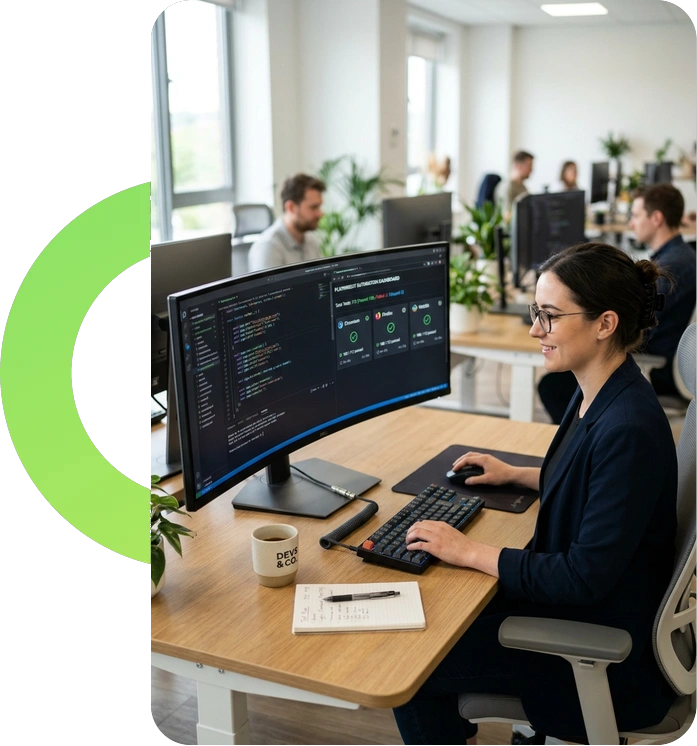
Learn Playwright, a modern browser automation framework used for fast, reliable end-to-end testing of web applications.
LEARNING OUTCOMES
- Set up Playwright and automate browser interactions.
- Use locators and assertions to verify application behavior.
- Run end-to-end tests across supported browsers.
- Understand how automated tests fit into development and testing workflows.

Module 7: Cucumber & Behavior-Driven Development (BDD)
Find out how BDD helps technical and non-technical team members agree on requirements using plain-language scenarios.
LEARNING OUTCOMES
- Understand Behavior-Driven Development and its role in testing.
- Write feature files using Given, When and Then scenarios.
- Create step definitions that connect scenarios to automated tests.
- Link business requirements to automated test execution.
Module 8: API Testing
Learn how applications and services communicate through APIs, and how to verify that backend services behave correctly.
LEARNING OUTCOMES
- Understand APIs, requests, responses, headers and parameters.
- Work with HTTP methods and status codes.
- Validate API responses and data exchange.
- Test backend functionality independently of the user interface.


Module 9: Performance Testing with Apache JMeter
Discover how to measure how an application behaves under load, so slow pages and bottlenecks are found before users notice them.
LEARNING OUTCOMES
- Run load and stress tests using Apache JMeter.
- Simulate concurrent users and workloads.
- Measure response time and throughput.
- Interpret results to identify performance bottlenecks.
Module 10: AI-Based Software Testing
Explore how AI tools can support modern testing, while learning why every AI-generated output must still be checked by a tester.
LEARNING OUTCOMES
- Use AI tools to generate test cases and suggest test scenarios.
- Get AI assistance with automation scripts and test data creation.
- Analyse test results and defect patterns with AI support.
- Review AI output for accuracy, reliability and test coverage.

Module 11: AI Meter & AI Resource Monitoring in Testing
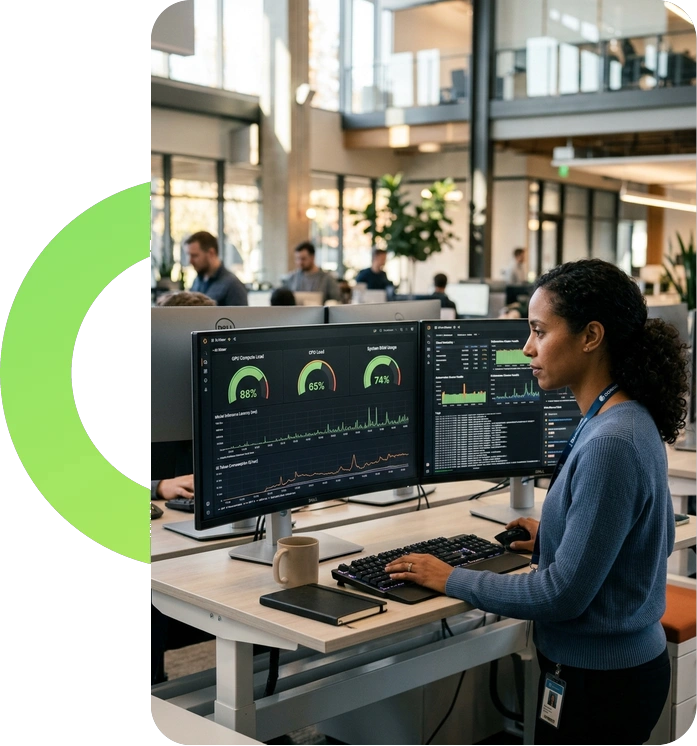
Understand how to monitor the usage and cost of AI tools when they become part of a testing workflow.
LEARNING OUTCOMES
- Track token consumption and estimate API costs when using AI for test generation.
- Monitor CPU, GPU, power and resource usage when testing AI-powered applications.
- Follow API quotas and rate limits to avoid interrupted test pipelines.
- Use usage reports and alerts to spot excess consumption and unexpected costs.
Module 12: Real-Time Project Practice
Put everything together by testing a real application from requirements to final report, the way a testing team does.
LEARNING OUTCOMES
- Analyze requirements and prepare test cases for a project.
- Execute manual and automated tests using the course tools.
- Report defects and document test results.
- Build project work and documentation you can show to employers.

TOOLS YOU'LL MASTER
Selenium (IDE, WebDriver & Grid): Web browser automation
Playwright: End-to-end browser testing
Cucumber: BDD scenarios and step definitions
Apache JMeter: Load and performance testing
SQL: Database queries and data validation
AI Testing Tools: Test case, script and test data generation
AI Meter / Monitoring Utility: Token, cost and resource usage tracking
